Textures
roqsim_assets provides reusable PBR surface textures that scene and floor plugins draw on
(the mobile floorplan, the roqsim_scenes baker). A texture is referenced explicitly as
roqsim_assets:<Name> (resolved by roqsim.textures.resolve_texture(); see
Architecture & porting playbook).
The package’s props (tables, chairs, …) are placeable models — they live in the
Models & worlds catalog and are spawned with spawn_model.
How a texture is referenced
resolve_texture accepts two explicit forms and no bare-name search, so two packages can never
clash on a shared name:
<package>:<name>— a texture from an installed provider, typically the sharedroqsim_assets(e.g.roqsim_assets:Concrete030).a path to a PNG.
MuJoCo loads PNG only, so convert JPEGs first, and use a seamless / tileable image.
Surface properties
Tile scale. physical_size is how many metres one image tile spans (larger = bigger tiles). It is
honoured for the floor plane and for the wall mesh whether that is a UV-less .stl (auto-projected,
scaled via texuniform) or a UV’d .obj (its baked UVs are scaled — MuJoCo ignores texrepeat
on those). Precedence: explicit config → the texture’s manifest.yaml → default.
Tint. rgba is multiplied over the texture, like a base colour: RGB > 1 brightens (it is not
clamped to 1), < 1 darkens or tints; alpha in [0, 1]. Omit it for the texture’s own colour.
Per-texture defaults. An optional manifest.yaml next to the PNG carries reflectance
(0..1) and physical_size (metres), used whenever the world does not set them. Reflectance
precedence is explicit floor.reflectance → manifest → default (0.2). The bundled textures
set meaningful values: matte raw concrete 0.05, sealed concrete 0.10, varnished wood 0.15.
Note
The roughness / normal / ambient-occlusion maps that ship with texture packs are visual only and
are not wired. Wheel behaviour comes from the friction setting, never from the texture.
Floor and wall appearance
The mobile floorplan plugin loads a floorplan mesh as the world: a ground plane fitted to the
mesh footprint, a light, the mesh as visual/lidar walls, and exact convex wall colliders taken from the
mesh’s json-ld (required). It needs a mesh; a scene that only wants a bare floor and light should
omit the plugin entirely and use the engine’s default world (sim.world unset → empty_room).
The ground plane is a light-gray checker by default. Override the look and physics of the floor and
of the walls through the optional floor / wall blocks:
floorplan:
  mesh: path/to/floorplan.stl       # required; json-ld must sit next to it at <env>/json-ld/
  floor:
    rgb1: [0.85, 0.85, 0.85]        # builtin-checker colours (0..1 RGB); omit for the default
    rgb2: [0.78, 0.78, 0.79]
    texture: roqsim_assets:WoodFloor051   # image texture; overrides rgb1/rgb2
    physical_size: 1.8              # metres one texture tile spans (omit to use the manifest)
    reflectance: 0.2                # omit to use the texture's manifest value (else 0.2)
    friction: [2.0, 0.005, 0.0001]  # [sliding, torsional, rolling] — tune per floor type
  wall:                             # same keys as `floor` minus `friction` (walls have no contacts)
    texture: roqsim_assets:Concrete046    # default is solid gray (rgb1 == rgb2)
    rgba: [1.0, 1.0, 1.0, 1.0]      # optional tint multiplied over the texture; RGB >1 brightens
  light:                            # one overhead light per room + a dim global fill
    height: 2.5                     # metres above the floor for the per-room lights
    diffuse: [0.6, 0.6, 0.6]        # per-room light intensity
    fill: [0.2, 0.2, 0.2]           # dim global fill so shadowed corners aren't black
Lighting places one downward light at each room’s centroid, read from the json-ld Space entities
(via room_centroids in floorplan_collision.py), so a multi-room floorplan is not dark away from
the centre. If the json-ld defines no rooms it falls back to a single central light.
Adding a texture
Use CC0 (public-domain, no attribution) seamless textures and grab the Color/albedo map:
ambientCG — CC0; search “wood floor” / “tiles” / “concrete”. PNG downloads.
Poly Haven — CC0; tileable PBR textures.
Drop the Color PNG into its own folder roqsim_assets/src/roqsim_assets/assets/<Name>/ (one PNG per
folder) and reference it as texture: roqsim_assets:<Name> — no code change needed. Optionally add a
manifest.yaml in that folder for its reflectance / physical_size, and keep a CREDITS.txt
beside it recording the source and licence. The assets/*/*.png and assets/*/*.yaml package-data
globs in roqsim_assets/pyproject.toml ship it in the installed wheel.
Any package exposing an ASSETS_DIR can be a provider too — reference its textures as
<that_package>:<Name>.
Catalog
All bundled textures are third-party CC0; see each entry’s credits.
Textures
|
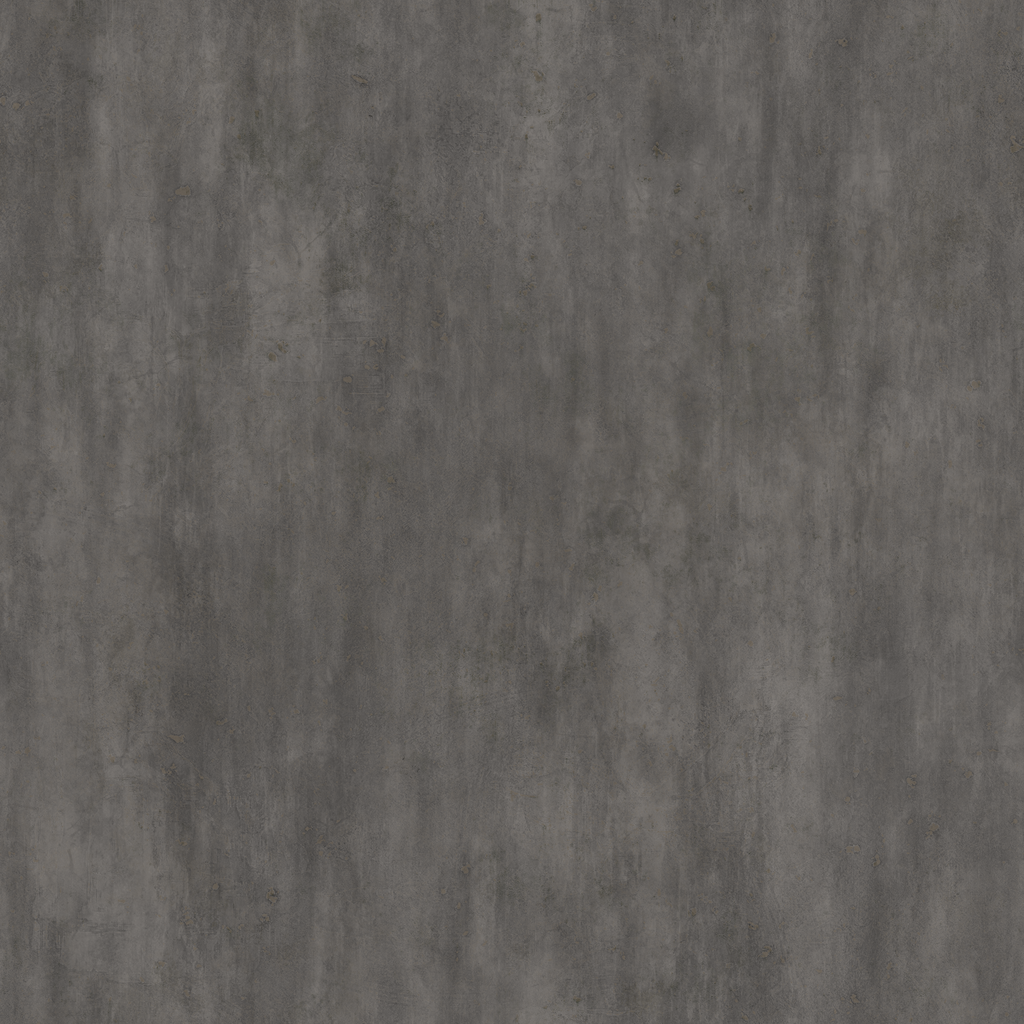
Concrete030 Surface: tiles at 2.4 m, reflectance 0.1. “Concrete030” — ambientCG licensed under CC0 1.0 (public domain, no attribution required) |
|
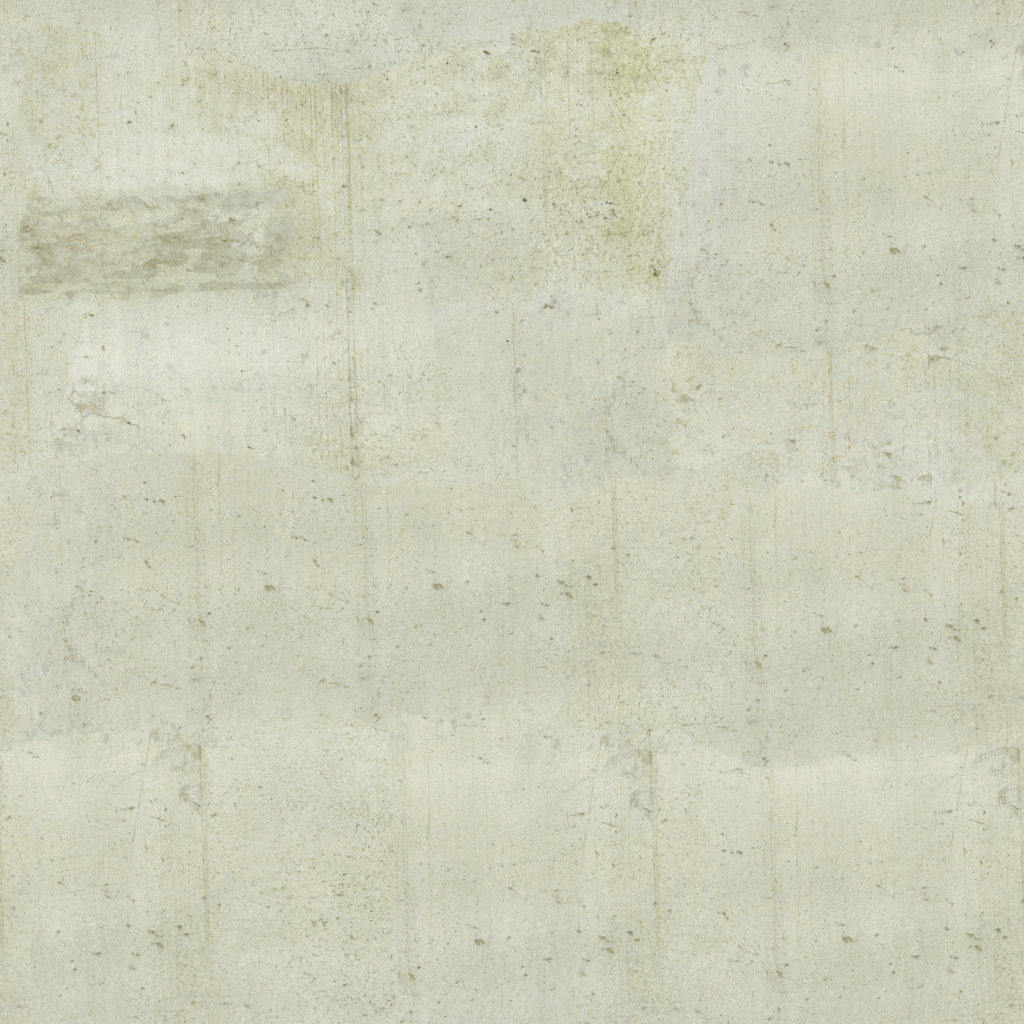
Concrete046 Surface: tiles at 2.4 m, reflectance 0.05. “Concrete046” — ambientCG licensed under CC0 1.0 (public domain, no attribution required) |
|
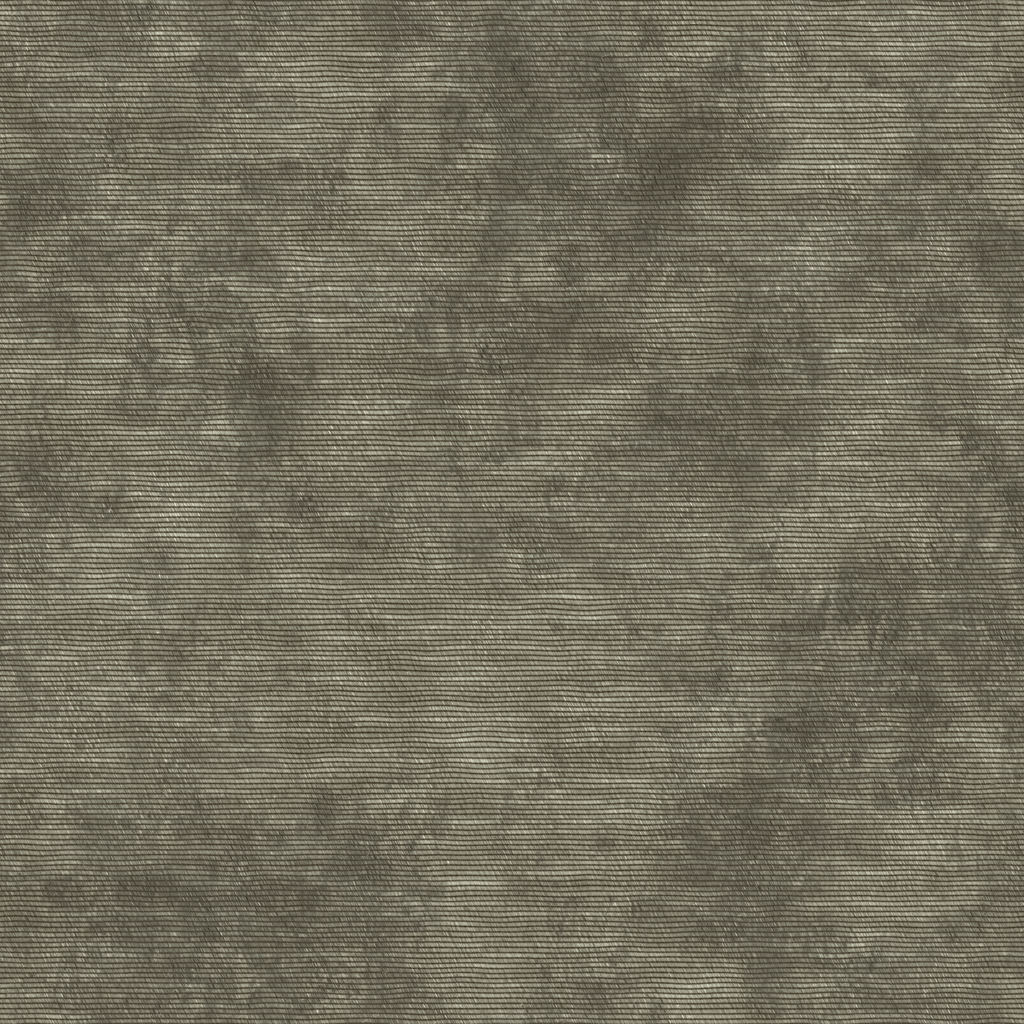
Fabric028 Surface: tiles at 1.2 m, reflectance 0.02. “Fabric028” — ambientCG licensed under CC0 1.0 (public domain, no attribution required) |

|
PlasteredWall04 Surface: tiles at 5.0 m, reflectance 0.05. “Plastered Wall 04” — Poly Haven licensed under CC0 1.0 (public domain, no attribution required) |
|
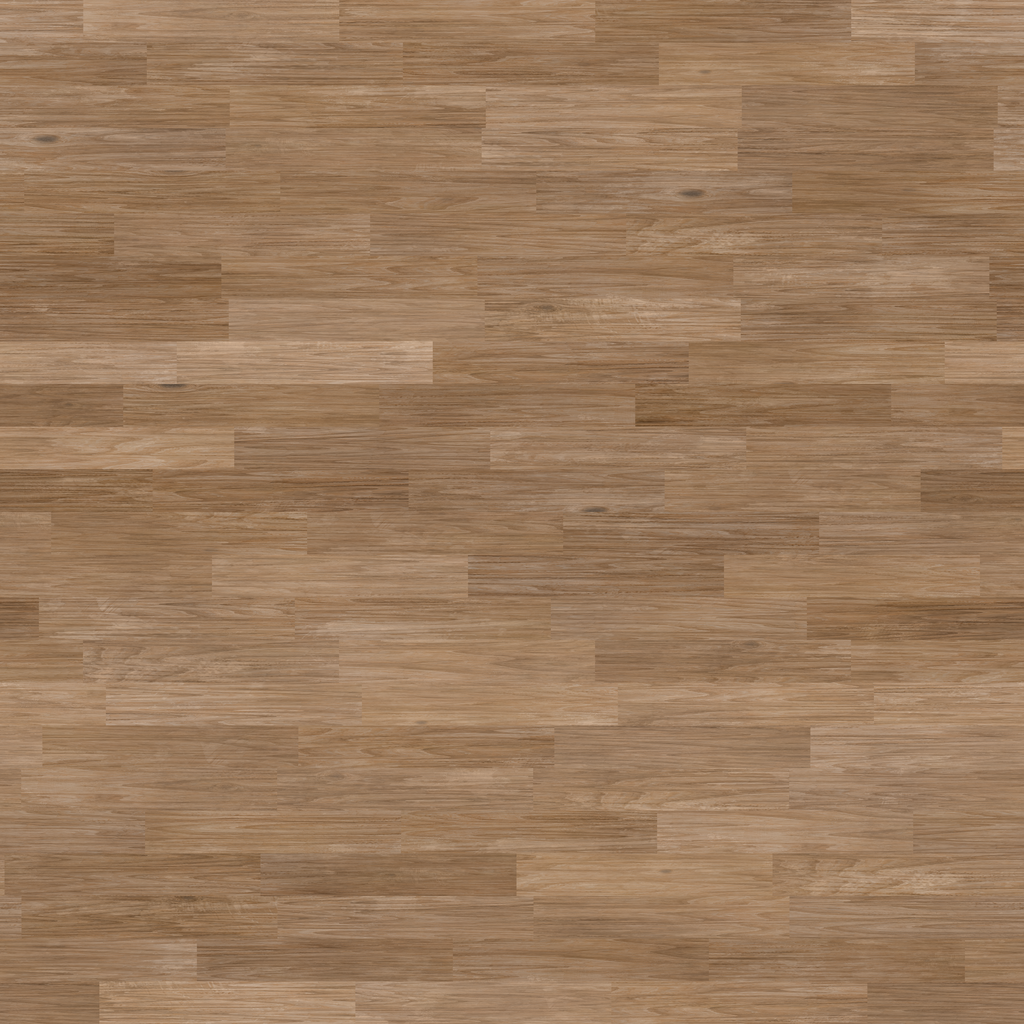
WoodFloor051 Surface: tiles at 1.8 m, reflectance 0.15. “WoodFloor051” — ambientCG licensed under CC0 1.0 (public domain, no attribution required) |